Vision AI for Workplace Safety: The Complete Guide
See It In Action
Safety AI Software in Action
See how Visionify's Safety AI Software monitors workplace safety in real-time
Example Videos
Safety AI Software in Action
See how Visionify's Safety AI Software monitors workplace safety in real-time
Forklift Zone Monitoring with Vision AI
See how Vision AI monitors forklift zones in real-time to prevent accidents
Hard Hat Compliance in Manufacturing
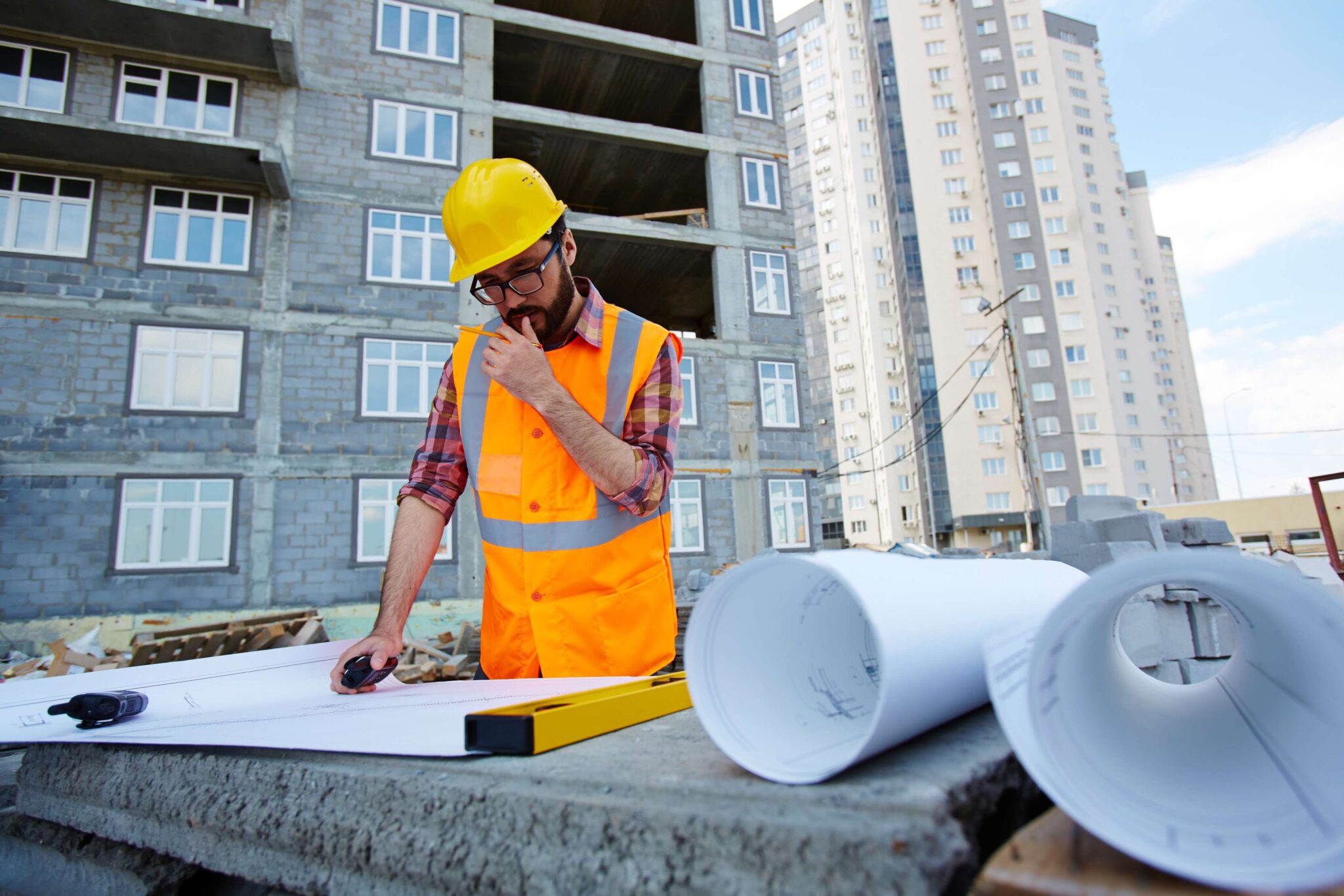
Vision AI PPE Compliance for Manufacturing
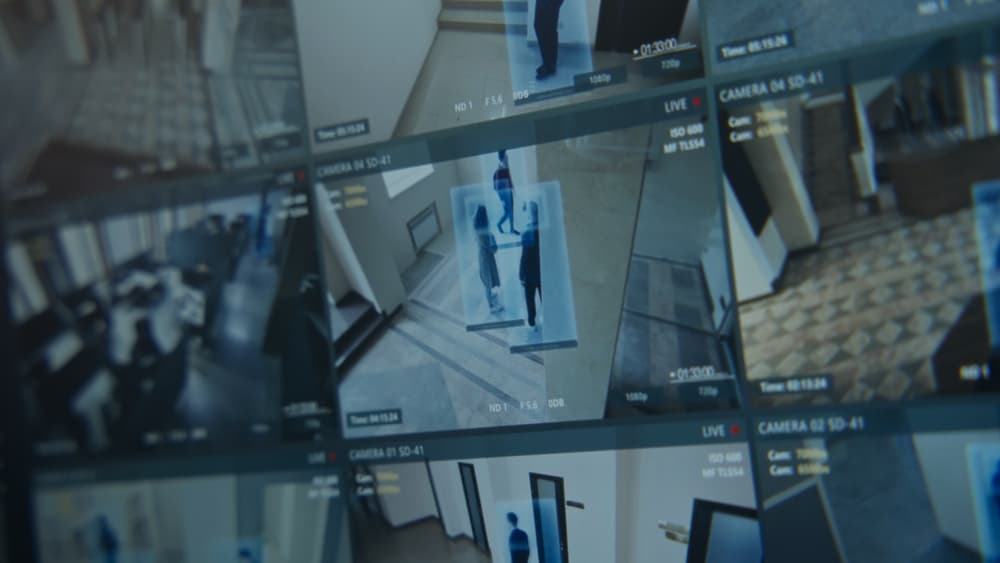
Most industrial sites already have dozens or hundreds of cameras. Almost nobody watches them. Footage gets pulled after an incident, to work out what went wrong, and the near-misses that came before it are never seen.
Vision AI changes what those cameras are for. Instead of recording for later review, the camera feeds are analyzed continuously, and the system flags safety risks while there is still time to act. This guide explains how the technology works, what it can and can't detect, what affects accuracy, how to handle privacy, and how to roll it out.
Key Takeaways
- It runs on cameras you already own. Vision AI is software. It analyzes existing IP camera streams on an on-site server.
- It detects events, not people. Missing PPE, forklift near-misses, zone entries, falls, spills and smoke are flagged in real time. Identity isn't needed.
- Setup matters more than the model. Camera angle, distance and lighting decide how well detections hold up.
- It supports EHS teams rather than replacing them. The software watches; people coach, fix conditions and change processes.
- Start small and measure. A few high-risk areas and a handful of events will show whether it works on your site.
Why traditional monitoring leaves gaps
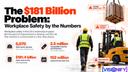
Workplace injuries remain common and costly. The US Bureau of Labor Statistics counted 5,070 fatal work injuries in 2024, and the National Safety Council puts the total cost of US work injuries at $181.4 billion for the same year. Worldwide, the ILO estimates that nearly 3 million people die each year from work-related accidents and diseases.
Most sites already have good policies. The problem is seeing whether they are followed, all day, on every shift:
- Inspections are snapshots. A walk-through shows conditions at one moment. Unsafe behavior tends to happen between walks, on night shifts and in corners nobody visits.
- People can't watch screens all day. Attention drops quickly when monitoring video feeds, and one person can't follow dozens of cameras at once.
- Near-misses go unreported. Close calls rarely make it into the incident log, so the leading indicators that predict serious injuries are missing from the data.
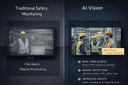
- CCTV is reviewed after the fact. Recorded footage helps with investigations, but it doesn't prevent the incident.
Vision AI closes these gaps by watching every camera, all the time, for a defined set of risks. For a deeper look at why periodic checks fall short, see Beyond Hazard Hunting and Why Safety Measurement Needs a Digital Overhaul.
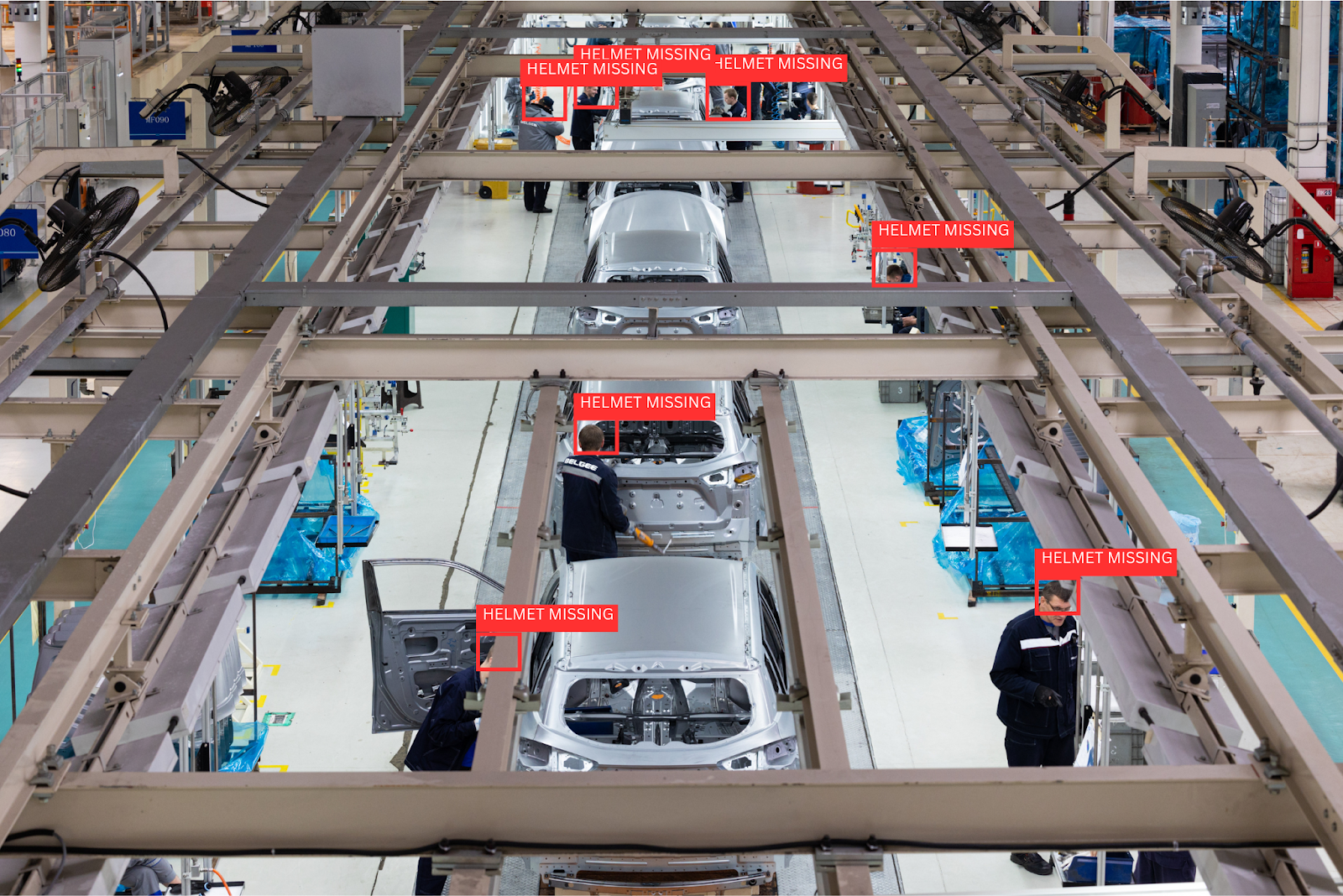 Vision AI flags PPE and zone violations on existing camera feeds in real time
How vision AI works
Vision AI, computer vision and AI video analytics are three names for the same idea: software that interprets what a camera sees. In a safety deployment, the pieces fit together like this:
- Cameras. Your existing IP cameras stream video over the network, usually via RTSP. Not sure of your camera's stream address? Our RTSP URL finder covers the common brands.
- Edge server. A server on your site receives the streams and runs the AI models locally. Processing on-site keeps latency low and keeps video inside your network.
- Detection. Models trained on industrial footage find people, vehicles, PPE and objects in each frame. Rules you configure then decide what counts as an event, such as "person without a hard hat inside this zone" or "pedestrian within a set distance of a moving forklift".
- Alerts. When an event fires, the system sends an alert with a short video clip to the right people: supervisors' phones, Microsoft Teams, Slack, stack lights and speakers on the floor, or a PLC that stops a machine.
- Dashboards and reports. Every event is logged with time, location and type. EHS teams use the history to find hotspots, track trends by shift or area, and measure whether fixes worked.
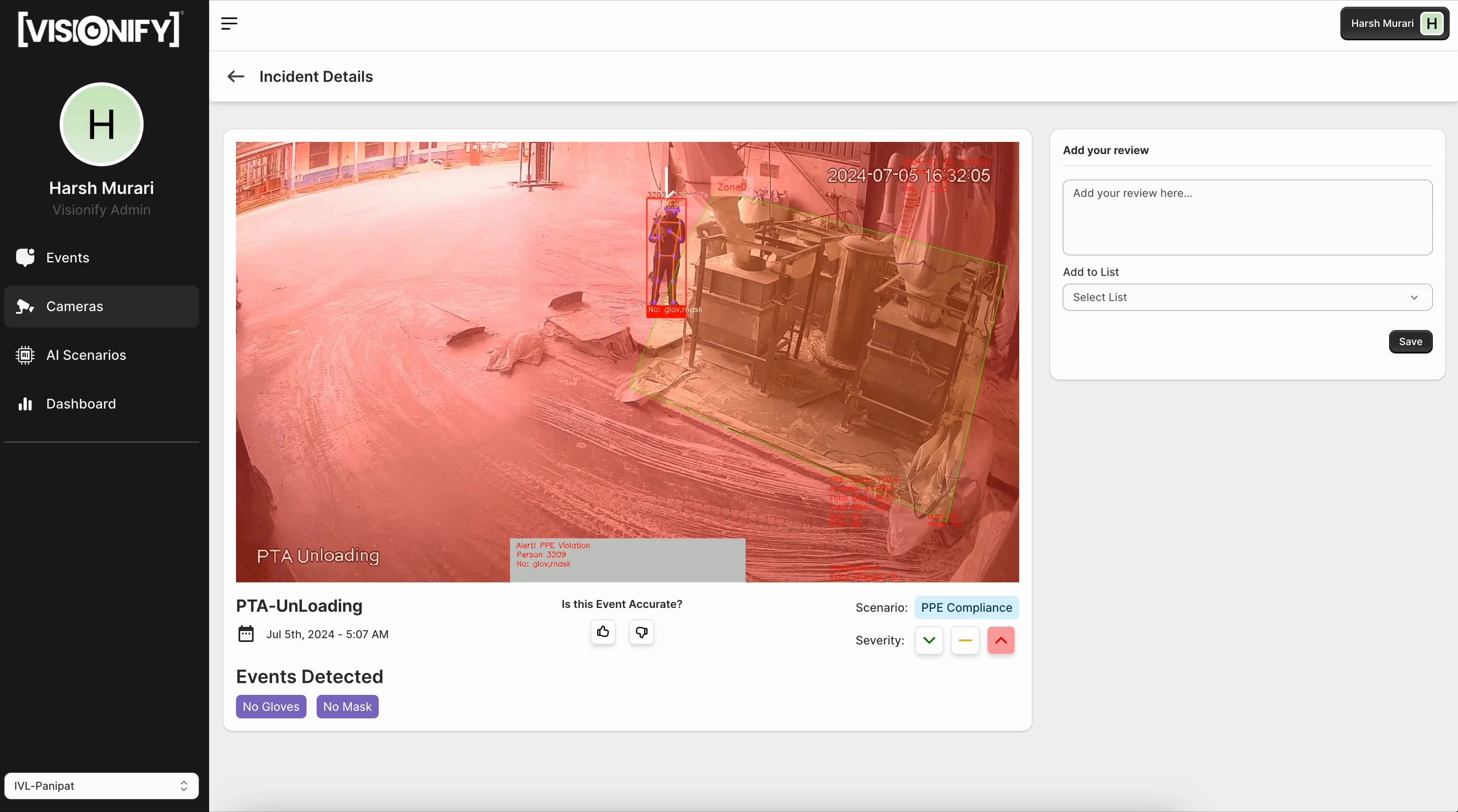
On the Visionify platform, alerts typically arrive in under a second. Video and clips stay on the on-site server; only event metadata and alerts go to the cloud dashboard. See How It Works for the full architecture and Integrations for the alert channels.
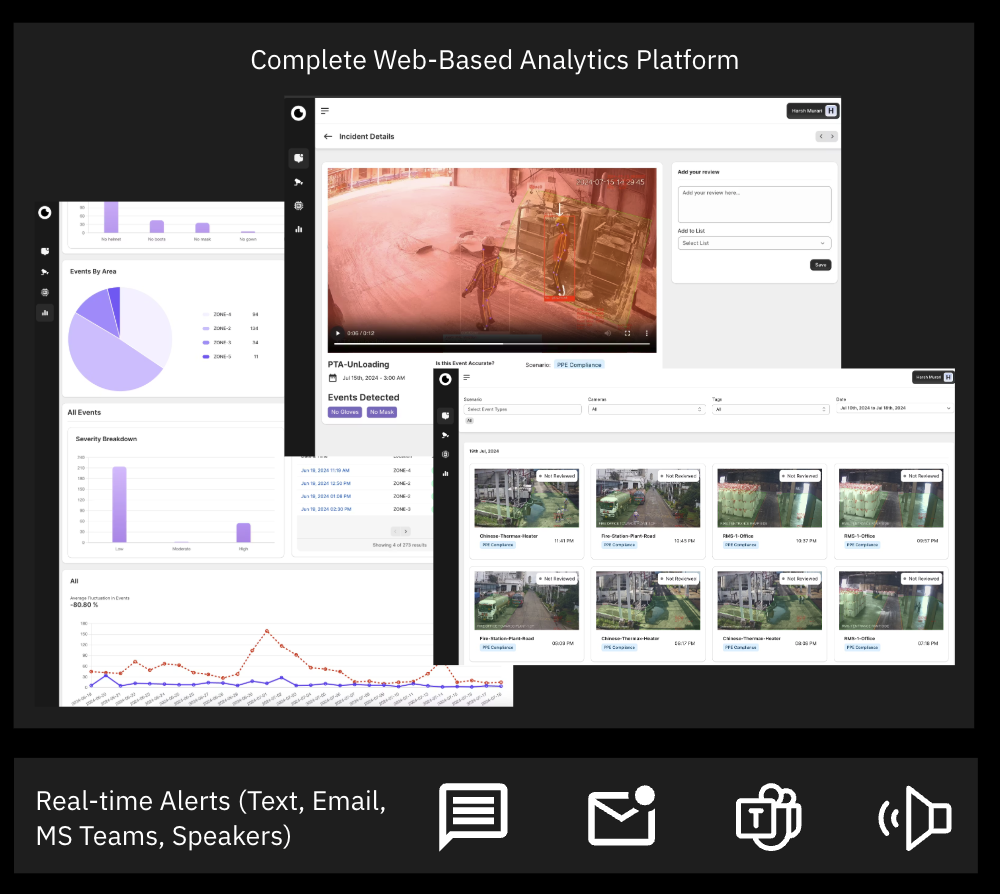 Each detection becomes an alert with a video clip, location, time and event type
What vision AI can detect
Vision AI works best on risks that are visible on camera and can be clearly defined. These are the categories most sites start with:
PPE compliance
Hard hats, high-visibility vests, safety glasses, gloves, face shields, hairnets and other required equipment, checked by zone. A worker without a hard hat in a loading bay triggers an alert; the same worker in the break room does not. See PPE compliance detection and our guide on how to detect PPE compliance with AI.
 Vision AI checks required PPE in each zone
Forklifts and vehicles
Forklift-pedestrian near-misses, speeding, forklifts outside their lanes and pedestrians in vehicle-only areas. Struck-by incidents with mobile equipment are among the most serious risks in warehouses and plants. See forklift safety and forklift near-miss detection.
Restricted and hazardous zones
Virtual boundaries around machinery, electrical rooms, chemical storage, conveyors or confined-space entries. The system can alert when anyone enters, when someone stays too long, or when too few or too many people are present. See restricted zones, time-limited zones and minimum and maximum worker counts.
Slips, trips, falls and person down
Detecting a fall the moment it happens, and a worker who stays down, so help arrives fast. This matters most for lone workers and night shifts. See slip and fall detection and person down detection.
Fire, smoke, spills and blocked exits
Visual smoke and flame detection can catch a fire in a large open space before ceiling detectors respond. The same cameras can watch for liquid spills, blocked emergency exits and missing fire extinguishers. See smoke and fire, spills and leaks and blocked exits.
Unsafe behavior
Phone use while walking on stairs or near traffic, running, unsafe climbing and not using handrails. These behaviors rarely show up in incident reports until someone gets hurt. See mobile phone compliance and staircase safety.
The full list of 50+ detections is on the safety events page.
 Behavior-based detections such as phone use while walking
Applications by industry
The same building blocks are configured differently for each type of site:
- Manufacturing: PPE by production zone, machine guarding and lockout/tagout, forklift traffic and restricted areas around robots and presses. See manufacturing.
- Warehousing and distribution: forklift near-misses and speed, pedestrian walkways, dock safety, blocked aisles and exits. See warehousing.
- Construction: hard hats and hi-vis, fall protection at height, exclusion zones around heavy equipment. See construction.
- Oil and gas: FR clothing, confined-space and hot-work areas, smoke, flame and leak detection. See oil and gas.
- Food and beverage: hairnets, gloves and coats for hygiene compliance, alongside standard plant safety. See food and beverage.
 The same platform is configured for different hazards on each type of site
Vision AI compared with manual monitoring
Vision AI doesn't replace inspections, training or safety committees. It changes what they're based on.
- Coverage: an inspector sees one area at a time; vision AI watches every connected camera on every shift.
- Timing: inspections find problems on the next walk; vision AI flags them as they happen.
- Consistency: human judgment varies between people and shifts; the same rules apply everywhere, every time.
- Data: manual observations rarely get logged in a way you can analyze; every detection is recorded with time, place and type.
- Judgment: people understand context, intent and root causes far better than software. That's why the alerts go to people.
For a fuller comparison, see Vision AI vs Human Surveillance, AI Vision vs Traditional Cameras and AI Safety Monitoring vs Manual Audits.
What affects accuracy
Detection quality on your site depends mostly on setup:
- Camera placement. People should appear large enough in the frame to see their PPE. Steep overhead angles and very distant cameras make PPE harder to read.
- Lighting. Glare, deep shadows and very low light all reduce reliability. Most modern cameras handle normal plant lighting well.
- Occlusion. Workers partly hidden behind racks, machines or each other are harder to judge. Good systems skip detections they can't see clearly instead of guessing, which keeps false alerts down.
- Clear rules. "Hard hat required in zone B" is easy to detect. Vague rules such as "unsafe behavior" are not. Start with events you can define precisely.
- Tuning. Zones, alert thresholds and quiet periods should be adjusted in the first weeks, based on what the alerts actually show.
The best test is your own footage. Ask any vendor to run on your cameras before you commit.
Privacy and worker trust
Cameras pointed at people raise fair questions. Deployments that go well tend to share a few traits:
- Detect events, not identities. Safety monitoring doesn't need facial recognition. Visionify doesn't use it, and it blurs faces.
- Keep video on-site. Processing on an edge server means footage stays inside your facility. Only event metadata and alerts go to the cloud dashboard.
- Explain the purpose up front. Tell workers what is detected, why, who sees the alerts, and how the data is used, before you switch it on.
- Use data to fix conditions and coach. If every alert leads to discipline, people will hide from cameras. If alerts lead to better layouts, better PPE and coaching, trust builds.
- Check your obligations. Works councils, unions and privacy laws such as GDPR may set requirements. See our security and compliance pages for how Visionify handles data.
Limitations to plan for
Vision AI is a strong tool, but not a complete safety program:
- It only sees what cameras see. Blind spots stay blind until you add coverage.
- It can't judge intent or root cause. It reports what happened. Finding out why still takes a person.
- Alerts need owners. If nobody acts on an alert, nothing changes. Decide who responds to each event type before going live.
- Some risks aren't visual. Gas concentrations, noise exposure and many health hazards need dedicated sensors.
- Too many alerts cause fatigue. Start with a few high-value events and add more once the team has a response routine.
How to get started
A practical rollout looks like this:
- Pick two or three high-risk areas. Use your incident and near-miss history to choose where serious injuries are most likely.
- Choose a few events. For example, PPE in the production area, forklift-pedestrian proximity at the dock, and a restricted zone around one machine.
- Check your cameras. Confirm the streams are accessible and the angles suit the events you chose.
- Agree on alert routing. Decide who gets which alerts, through which channel, and what they're expected to do.
- Run it for a few weeks and tune. Adjust zones and thresholds, then compare event rates before and after you act on the findings.
- Expand. Add areas and events once the first ones run smoothly.
Our 5-step implementation guide covers each stage in more detail. To see what the results look like once it's running, read The Impact of AI on Workplace Safety.
Try it on your own cameras
With Visionify, your first site typically goes live within a week, on the cameras you already have. You can request a free 30-day PPE Starter Kit to test detection on up to 10 cameras, or book a demo to see the platform with your use cases.
Frequently Asked Questions
Find answers to common questions about this topic
Want to learn more?
Discover how our Vision AI safety solutions can transform your workplace safety.
Book a DemoSchedule a Meeting
Book a personalized demo with our product specialists to see how our AI safety solutions can work for your business.
Choose a convenient time
Select from available slots in your timezone
30-minute consultation
Brief but comprehensive overview of our solutions
Meet our product experts
Get answers to your specific questions